Picture this: you’re all set for an epic gaming session on your PS5, snacks are ready, and your favorite game is loaded. But wait—your controller decides to play hard to get. Frustration builds as you wonder, “Why won’t my PS5 controller connect?” It’s like planning a road trip and realizing your car won’t start.
Fear not, gamer! You’re not alone in this digital dilemma. Many have faced the same pesky issue, and luckily, solutions are just around the corner. Whether it’s a simple Bluetooth hiccup or a more complex tech gremlin, understanding why your controller won’t connect can save your gaming night. Let’s dive into the common culprits and get you back in the action, because who wants to miss out on that sweet victory lap?
Common Connection Issues
Many gamers encounter issues when connecting their PS5 controllers. Understanding common problems simplifies troubleshooting and enhances the gaming experience.
Bluetooth Connectivity Problems
Interference from other wireless devices can disrupt Bluetooth connections. Distance between the controller and the console also plays a critical role. Ensure the controller and PS5 are within a reasonable range. Resetting the controller can resolve persistent connection issues. Press the reset button located on the back of the controller for a few seconds. Some users might need to forget the device from their console’s Bluetooth settings before reconnecting. Always check for software updates on both the PS5 and the controller to maintain optimal functionality.
USB Connection Problems
Using a faulty USB cable can prevent proper connection. Try a different cable to ensure it’s not the source of the issue. Plug the cable directly into the PS5’s USB port, avoiding any external hubs. Inspect the USB ports on both the console and controller for dust or damage. Restarting the PS5 may also resolve temporary connection glitches. If the controller does not register while connected, consider charging it for a few minutes before attempting to connect again.
Troubleshooting Steps
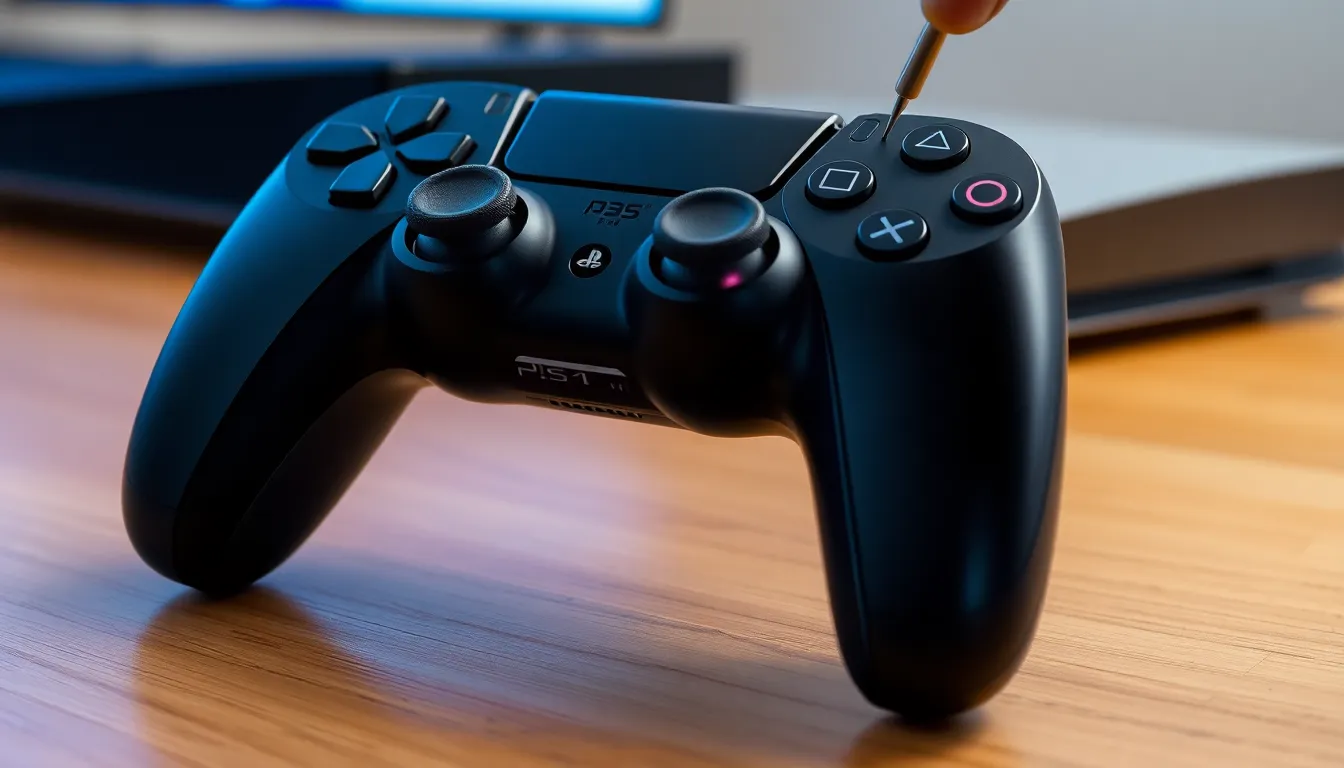
When a PS5 controller won’t connect, several troubleshooting steps can help resolve the issue quickly.
Resetting the Controller
Resetting the controller often fixes connection problems. To do this, locate the small reset button on the back of the controller, press it using a pin or a paperclip, and hold it down for about five seconds. This simple action helps clear any minor glitches and allows for a fresh connection attempt. After resetting, connect the controller to the PS5 using a USB cable. This wired connection usually initializes the connection effectively. Once connected, press the PS button to sync the controller with the console. This process may restore functionality, allowing players to enjoy their gaming sessions.
Checking for Software Updates
Checking for software updates on both the PS5 and the controller is crucial for ensured compatibility. An outdated system can lead to connectivity issues. Navigate to the settings menu on the PS5 and select “System Software.” Here, check for any available updates, and if any updates exist, follow the prompts to install them. Additionally, ensure the controller firmware is current. This can usually be updated along with the console. Regularly checking for updates keeps both devices running smoothly. An updated system can eliminate many connection problems, enhancing overall performance and user experience.
Potential Hardware Issues
Hardware issues may affect the ability of a PS5 controller to connect. Identifying these problems helps gamers restore their connection swiftly.
Damaged Charging Port
A damaged charging port on the controller creates significant connectivity problems. Inspect the port for any signs of damage, such as bent pins or corrosion. Using a functional USB cable ensures a proper connection. Dust and debris can also obstruct the charging port, preventing effective syncing. Cleaning the port gently with compressed air can resolve these issues. If the charging port appears damaged, consider professional repair or replacement.
Faulty Controller
A faulty controller can lead to persistent connection failures. Testing the controller with another PS5 console helps determine if the issue lies with the device itself. Unresponsive buttons or inconsistent performance often signal internal issues. Gamers should charge the controller fully before further testing. If problems persist, the controller may require repair or replacement. Checking warranty status might enable a straightforward exchange if the device is defective.
Final Thoughts
Troubles with a PS5 controller not connecting often stem from several common issues. Bluetooth connectivity problems frequently arise from interference or the distance between devices. It’s crucial to check that the console and controller are within a reasonable range. Resetting the controller can quickly fix many connection issues.
USB connection problems also play a significant role in this dilemma. A non-functional USB cable can hinder the connection process. Inspecting the cable for wear and tear helps determine its effectiveness. Additionally, checking the ports for dust or damage is necessary to ensure a secure connection. Restarting the PS5 often resolves temporary glitches that may interrupt connectivity.
Hardware issues can contribute to the complications gamers face. A damaged charging port compromises the controller’s ability to connect. Any visible signs of damage should prompt a thorough inspection. Buttons that remain unresponsive may indicate a need for professional assistance or replacement of the controller. Testing the controller on a different PS5 console can help identify whether the issue lies with the controller itself or the original console.
Repair or replacement options exist for controllers still under warranty. Considering these options can help gamers get back to their playtime swiftly. Familiarizing oneself with troubleshooting steps empowers users to tackle connectivity problems effectively. Through proper care and regular maintenance, gamers can prevent future connection woes and enjoy seamless gaming experiences.
Experiencing connection issues with a PS5 controller can be frustrating but it’s a common challenge many gamers face. By understanding the potential causes and applying the troubleshooting steps outlined, players can often resolve these issues quickly. Whether it’s checking Bluetooth settings cleaning ports or ensuring software is up to date there are effective ways to restore functionality.
If problems persist it may be worth considering hardware inspections or seeking repair options. With a little patience and the right approach gamers can get back to enjoying their favorite titles without further interruptions.